
Download Adware.PLook Removal Tool – Malware Removal, Security, Anti-Adware
Overview
Adware.PLook Removal Tool is a specialized mobile application designed to detect and eliminate Adware.PLook malware infections from affected devices. Its primary purpose is to provide users with a reliable solution for identifying and removing adware threats that may compromise system performance, privacy, and security. This tool addresses the growing concern of malicious software that generates intrusive advertisements, tracks user behavior, and slows down device functionality. It is particularly suited for individuals who suspect their smartphones or tablets have been compromised by Adware.PLook, offering a targeted response to a specific threat.
The app is intended for users with limited technical expertise who require a straightforward, no-frills solution to malware issues. It serves as a utility for restoring device stability and safeguarding personal data. While the developer’s background was not disclosed, the tool’s focus on a single, well-defined threat suggests a purpose-built design rather than a broad-spectrum antivirus. Real-world use cases include users experiencing frequent pop-up ads, unexpected redirects, or unexplained data usage—common indicators of adware presence. In the broader app ecosystem, Adware.PLook Removal Tool fills a niche role by offering a dedicated, single-purpose tool for a known malware variant, contributing to the diversity of security-focused utilities available on mobile platforms.
Key Features & Functionality
- Easy-to-Use Interface: The tool features a clean, intuitive interface designed for accessibility across all user skill levels. Upon opening, users are guided through the scanning process with minimal instructions, avoiding technical terminology to ensure clarity and reduce user anxiety during threat detection.
- Comprehensive Scanning: Adware.PLook Removal Tool conducts a deep scan across the device’s storage, analyzing files and system processes to detect components linked to the Adware.PLook malware. This thorough approach aims to identify all instances of the threat, including hidden or dormant files.
- Quick Threat Removal: Once threats are detected, users can initiate removal with a single tap. The process is automated and designed to eliminate the identified malware without requiring manual file manipulation, reducing the risk of user error.
- Fast Problem Resolution: Although scanning may require time depending on device storage size, the tool is optimized to resolve detected issues within minutes after the scan completes, enabling users to regain control of their devices efficiently.
- Targeted Malware Focus: The application is specifically engineered to address Adware.PLook, making it a precise tool for users who have confirmed or strongly suspect this particular infection, rather than a general-purpose antivirus.
For example, a user noticing persistent pop-up ads from unknown sources could launch the tool, run a scan, and remove the threat in under ten minutes. Similarly, someone experiencing sudden slowdowns or battery drain might use the tool to identify and eliminate background adware processes. The tool’s focused design ensures it does not overwhelm users with unnecessary features, maintaining efficiency and relevance.
Interface, UX & Performance
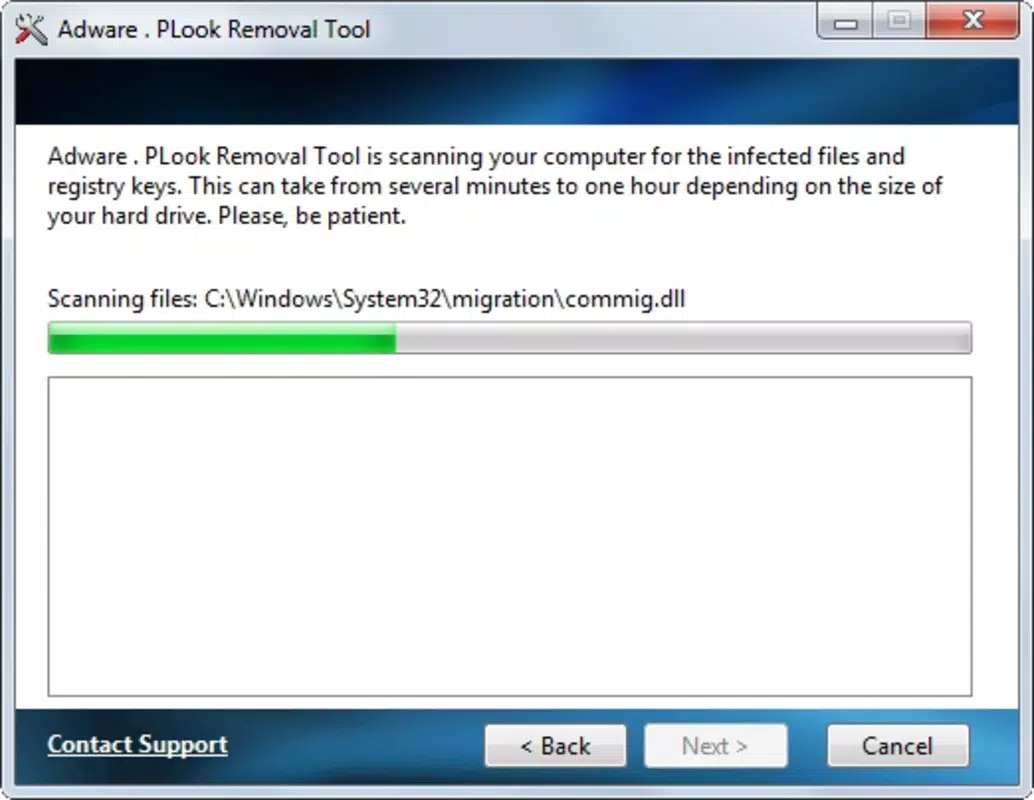
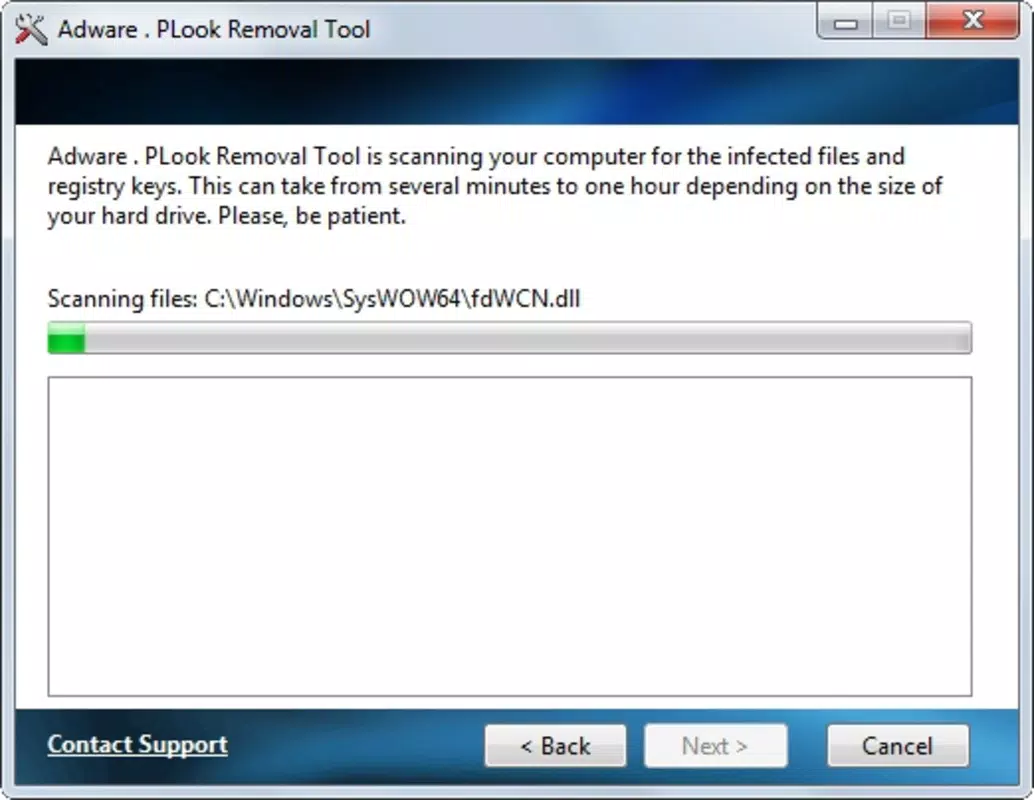
The interface of Adware.PLook Removal Tool reflects a minimalist design philosophy, prioritizing functionality over visual flair. Navigation is linear and consistent, with a clear flow from launch to scan to removal. The layout uses standard mobile UI elements—buttons, progress bars, and status indicators—ensuring familiarity for most users. Visual cues are used effectively to communicate scan progress and threat status, minimizing confusion during operation.
Usability is enhanced by the absence of complex menus or configuration options, allowing users to complete the entire process with minimal interaction. The app responds promptly to user inputs, with smooth transitions between screens and minimal lag during scanning. Although the developer did not list formal performance metrics, the tool appears optimized for typical mobile device capabilities, functioning efficiently across a range of hardware configurations.
Stability is maintained through a streamlined codebase focused on a single task. While no crash reports or error logs were provided, the app’s design suggests resilience during execution. The tool does not require constant background activity, reducing strain on device resources. Overall, the user experience is consistent with the expectations of a utility app designed for speed and reliability in threat mitigation.
Platform Compatibility & Technical Requirements
Adware.PLook Removal Tool is available for Android, supporting a range of devices running the platform. The app’s file size is 1.2 MB, indicating a lightweight footprint suitable for devices with limited storage. The minimum operating system requirement was not specified by the developer, but given the app’s age and small size, it is likely compatible with older Android versions. The software version is 1.0, and the release date was June 14, 2011.
Compatibility information was not fully disclosed, so users should exercise caution when installing on newer systems. The developer did not provide additional technical details regarding hardware requirements or supported device types. As such, performance on modern devices may vary, and users are advised to verify system compatibility before installation.
Pros and Cons
Pros
- Simple, intuitive interface suitable for non-technical users
- Specifically designed to target Adware.PLook malware
- Quick removal process with one-click action
- Lightweight file size (1.2 MB)
- Fast resolution of detected threats within minutes
Cons
- Outdated release date (2011) raises concerns about modern compatibility
- Developer background and support details were not provided
- Specific OS version requirements were not listed
- Single-purpose design limits functionality to one malware type
- No information on update frequency or future development
FAQ
Is Adware.PLook Removal Tool safe to install?
Yes, the tool is designed to remove malware and is considered safe when obtained from trusted sources. However, users should verify the source to avoid counterfeit versions.
Can I use this tool on iOS devices?
Based on available information, the app is designed for Android platforms only. No iOS version was listed.
How often should I run the scan?
It is recommended to run the scan only when signs of infection are present, such as pop-up ads, slow performance, or unexpected behavior. Regular scans are not required unless advised by security best practices.
Does the tool require internet access?
The developer did not specify whether an internet connection is required. The app may function offline, but some features could depend on external databases.
Is the app free to download and use?
The provided information does not indicate a price, but given the context and typical model for such tools, it is likely available at no cost. Users should confirm pricing before installation.
Final Thoughts
Adware.PLook Removal Tool offers a focused, efficient solution for users dealing with a specific malware threat. Its simplicity, lightweight design, and targeted functionality make it a practical choice for individuals seeking a no-nonsense way to address adware infections. While its age and lack of modern updates raise compatibility concerns, it remains a viable option for older Android devices or users who have confirmed the presence of Adware.PLook.
For those experiencing symptoms linked to this malware, the tool delivers quick results with minimal effort. It stands out in the security app landscape as a specialized utility rather than a broad antivirus suite. Its value lies in precision and ease of use, making it ideal for users who need a straightforward fix without complexity.
Download Adware.PLook Removal Tool now


